







Apple Pay with Credits
Just one tap, and your payment is complete.
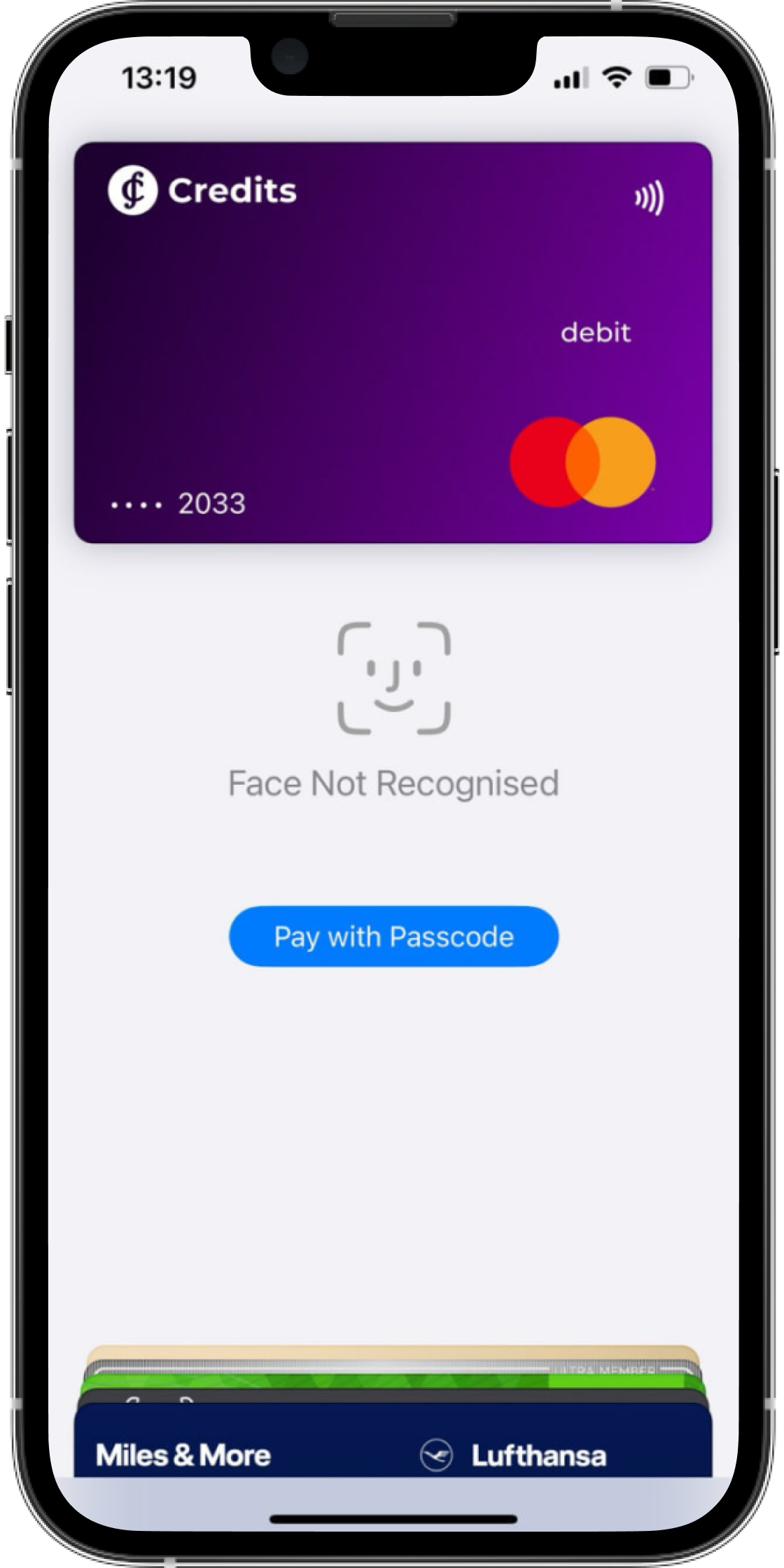
Just one tap, and your payment is complete.
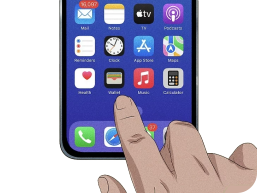
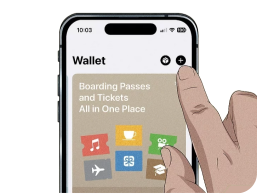
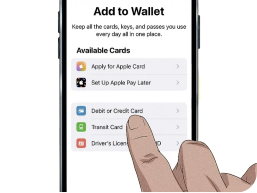
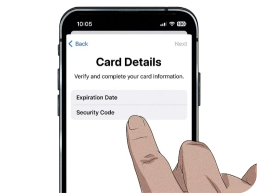


Apple Pay, together with Credits, provides a seamless and secure digital payment experience. As a mobile payment solution, Apple Pay allows users to add their Credits Visa card to Apple devices such as iPhone, iPad, Apple Watch, and Mac, enabling contactless payments in stores, in apps, and online.
Security is one of the key advantages of Apple Pay. When users add their Credits Visa card to Apple Pay, the card number is not stored on the device or on Apple’s servers. Instead, a unique Device Account Number is created, encrypted, and securely stored in the Secure Element of the device. Each transaction requires authentication via Face ID, Touch ID, or a device passcode, making the payment process highly secure.
Apple Pay is widely accepted at merchants that support contactless payments. Users can make purchases by simply holding their device near a payment terminal equipped with NFC technology, allowing for fast and convenient payments.
Compatible Apple devices for Apple Pay include:
Device compatibility depends on the Apple model and operating system version. Apple Pay support may vary depending on region, device, and software version.
Credits Visa can be added to Apple Pay on compatible Apple devices, including supported iPhone, iPad, Apple Watch, and Mac models.
Compatibility depends on the device model, region, and operating system version required by Apple Pay.
Apple Pay gives you all the benefits of using your debit or credit card, with the added convenience of seamless payments and biometric authentication. It provides an easy, secure, and private way to pay in stores, in apps, and online.
Apple Pay uses contactless technology to process payments instantly and securely, with built-in security features on your device.
Apple offers a variety of helpful resources on its website, including demo videos and support guides. Visit the Apple Pay Support page for more information.
You can use Apple Pay anywhere you see the contactless payment symbol or the Apple Pay symbol. This includes stores, apps, and websites.
Note: your iPhone does not need a mobile signal to complete an Apple Pay transaction. It uses contactless technology to communicate directly with the payment terminal.
Apple Pay is a secure payment method. Every transaction on your iPhone or iPad requires authentication via Face ID, Touch ID, or your passcode. Your Apple Watch is also protected by a passcode that only you know.
When you make a purchase, Apple Pay uses a device-specific number and a unique transaction code, so your card number is not stored on your device or shared with merchants.
Apple Pay requires authentication for every purchase through Face ID, Touch ID, or your passcode. These features help prevent unauthorized use of Apple Pay on your iPhone, iPad, Apple Watch, or Mac, even if your device is lost or stolen.